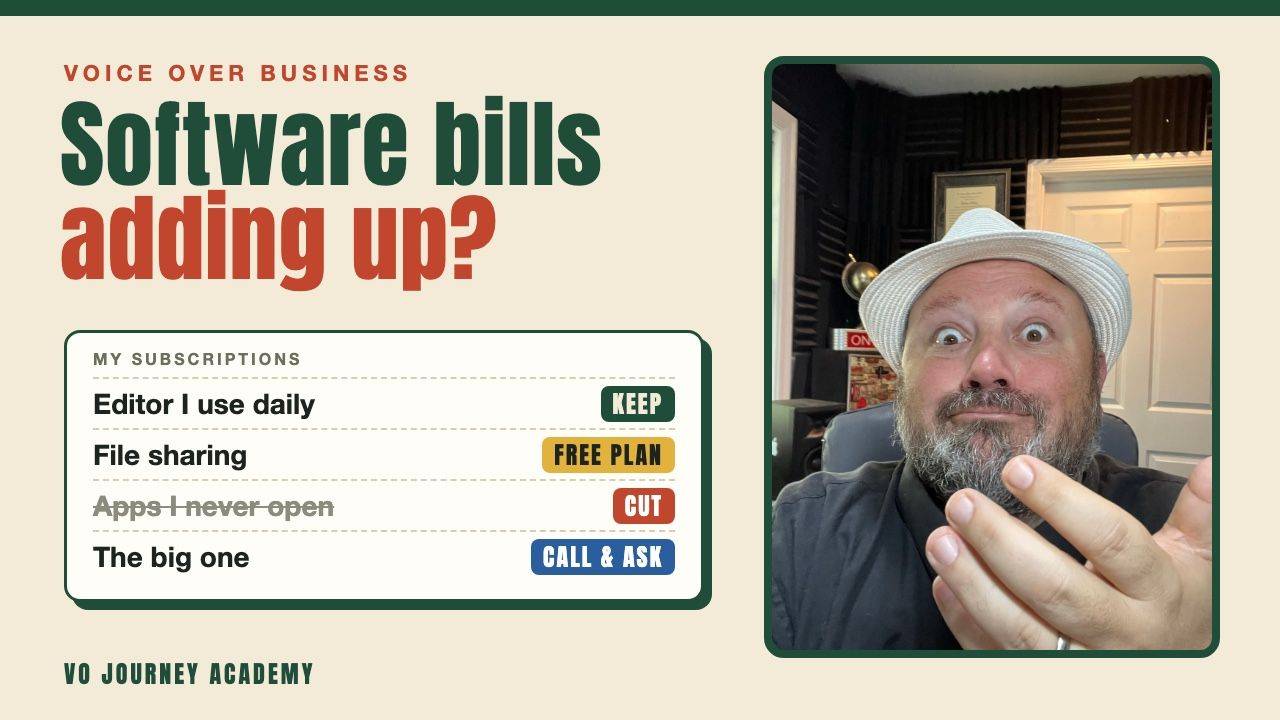
Keep only the software you use every week, buy older versions when you can, check whether you qualify for education pricing, and call the company before you cancel. Gabby Nistico and I went through all of this on a recent live. Subscriptions add up fast, and a few changes can save you real money every month.
Two full VO Journey Academy class replays, free. Put in your name and email and they play straight away.
Watch the free classesSoftware prices go up every year. Free plans you've relied on for years get cut back or turn into short trials. As a voice actor you may be paying for an editor and a way to send files. Then add accounting software and remote session tools on top. Gabby put it plainly on the live. Before you know it you're spending two or three hundred dollars a month, maybe more.
- Make a list of every subscription and cut what you don't use.
- An older version of audio software can carry you until the monthly cost makes sense.
- Pay only for the apps you need, but compare that price with the full bundle.
- Education pricing isn't only for college students. Check whether you qualify.
- One licence usually covers more than one of your own computers.
- Call the company and ask for a better price before you cancel.
How much software does a voice actor really need?
Less than most of us are paying for.
You need something to record and edit with. You need a way to send files. After that, a lot of it is nice to have. Gabby's test is simple. Ask whether it's worth more to you to keep the tool or to keep the money. If you use it all the time, it stays on the list. If you don't, it goes.
Some of us really do use everything we pay for. That's fine. The point is to look. Most people never do, and that's how the bill creeps up.
If you're still choosing an editor, here's my list of voice over software for recording and editing.
Can you buy an older version of audio software instead?
Yes, for a lot of audio software, if you're willing to use an older version.
Gabby pointed out that you can still find people selling older versions on disc. Look on eBay and other sites for used software. You might lose some features. It becomes a light version of the program until you can justify the monthly cost.
There's a catch. Don't spend a lot to save a little. Many of us don't own a disc drive anymore. You can pick up an external one, but add that to the price before you decide.
Should you pay for one app or the whole bundle?
Pay for what you use, but always check the bundle price first.
Many voice actors only use Adobe Audition. So paying for Audition on its own can make sense. But when we looked it up on the live, the gap between one app and the full suite on some plans was smaller than you'd guess. Gabby's advice is that you'll use the other apps once you have them. PDFs and video come up all the time in a voice over business.
So compare both prices on the day you buy. Prices change often, so check Adobe's plans page rather than trusting an old number.
“Non-traditional education is still education.”
Gabby Nistico, VO Journey Academy Live, 16 Nov 2026
Do voice actors qualify for education pricing?
Some do. It's worth checking, because it isn't only for college students.
Many software companies have student and teacher rates. A lot of people assume they'd need to be enrolled in a college. Gabby's point is that you don't always need to be. Adobe's own page says learners in some certificate courses from non-degree providers can qualify. Adobe checks proof of enrollment, so read their terms on online learners before you apply.
Gabby teaches, and her teacher rate was dropped at one point. She contacted Adobe, told them who she was and what she does, and they put it back. Teachers and coaches should look into this too.
Can you use one software licence on more than one computer?
Usually yes, on your own computers.
Many voice actors record on a desktop in the booth and edit on a laptop. Adobe lets you install your apps on several computers and be signed in on two at a time. That covers most of us. If you need more for your own setup, ask. Gabby needed more for her own rigs. So she called Adobe and asked.
Check the terms for any tool you pay for. It's one person's licence, so keep it to your own machines.
Not sure which step you're on? Our four-stage path shows you what to do next, from setting up your studio to getting booked.
See where to startHow long can you get by on free versions?
Often longer than you'd think.
Lots of apps have a free version with limits. You might only get so many hours a month, or smaller file sizes. WeTransfer is one Gabby mentioned. It still has a free version, but it's more limited than it was. It can be frustrating. But for someone new, limping along on the free version for as long as possible is a smart move.
Does calling a company really get you a better price?
Very often, yes. Many companies won't lower your price unless you ask.
This was Gabby's best tip of the live. Her phone bill jumped by $80 because two people on her plan had paid off their phones. She called right away. She told them they could find a way to save her that money, or she was leaving. They found the $80 very quickly.
It works with software too. Call and say something like this. "I want to keep using your product, but I can't justify the cost right now." Then see what they offer. You may be surprised how much is negotiable.
| Way to save | What to do | Watch out for |
|---|---|---|
| Cut what you don't use | List every subscription and cancel the extras | Shared family accounts you forgot about |
| Buy an older version | Look for used copies on disc | You may need a disc drive, and you lose features |
| One app or the bundle | Compare both prices on the day you buy | Prices change often |
| Education pricing | Read the company's terms and apply | You'll need proof you qualify |
| Use your licence on your own computers | Install where you work, sign in on two | Keep it to your own machines |
| Call and ask | Ask for a better price before you cancel | Be polite, but be ready to leave |
Frequently asked questions
What software do I need to start voice acting?
A program to record and edit, and a way to send files. Many people start with a free editor and upgrade once they're booking work.
Is Adobe Audition worth paying for?
If you edit every day, many voice actors think so. Compare Audition on its own with the full bundle before you buy, because the gap can be small.
Do I need Riverside or Source-Connect?
Only if your clients ask for live directed sessions. Find out what your clients use before you pay for a subscription.
Where can I find scripts to practise without paying?
We have thousands of free scripts in our script library. Pick one and record it today.
What to do next
Make a list of every subscription you pay for this week. Cut one you don't use, and call one company to ask for a better price. Then put the money toward training. If you'd like to see how we coach, watch a free class. You can also watch the whole conversation on the live.
Spend your money on getting booked
In VO Journey Academy you get live classes every week and feedback on your reads. We'll also help you set up your studio without overspending. Every plan includes Academy Voices.
See the plansGo out there and audition.
Anthony
Anthony Pica, founder of VO Journey Academy